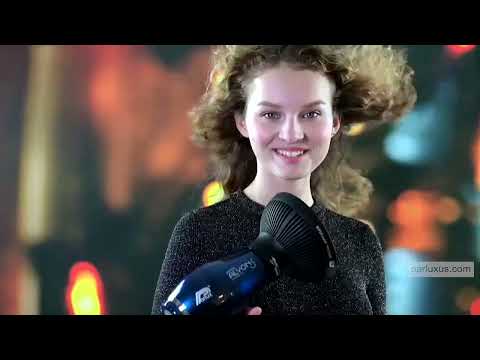
Parlux Diffuser: Perfecting Natural Curls with Ease
Revolutionary Hair Styling
The Parlux Diffuser redefines hair drying, delivering flawless curls without disrupting your hair's natural texture.
Optimal Design for Natural Curls
Engineered with precision, the Parlux Diffuser's size and hole distribution facilitate effortless hairstyling. Its design ensures the perfect balance of temperature and airflow, allowing for quick yet gentle drying of curly hair while minimizing frizz.
Innovative Comfort Features
The external shell incorporates an anti-heating system, enhancing comfort and safety during use. Hairdressers can handle the diffuser with ease, free from the risk of burns.
Enhanced Client Experience
Fifteen massage tips embedded within the diffuser provide a pleasant and stimulating sensation for clients' skin, enhancing their overall salon experience.
Convenient Compatibility
Equipped with a rapid hook-on feature, the Parlux Diffuser seamlessly attaches to Parlux DIGITALYON®, Parlux ALYON®, and Parlux ADVANCE® models. The included adaptable ring extends compatibility to all Parlux professional hairdryers in the catalog, excluding the Parlux 3500 and Parlux 385 models.


/max=1000x1000 "Diffuser with Adapter")
/max=550x550 "Diffuser with Adapter")