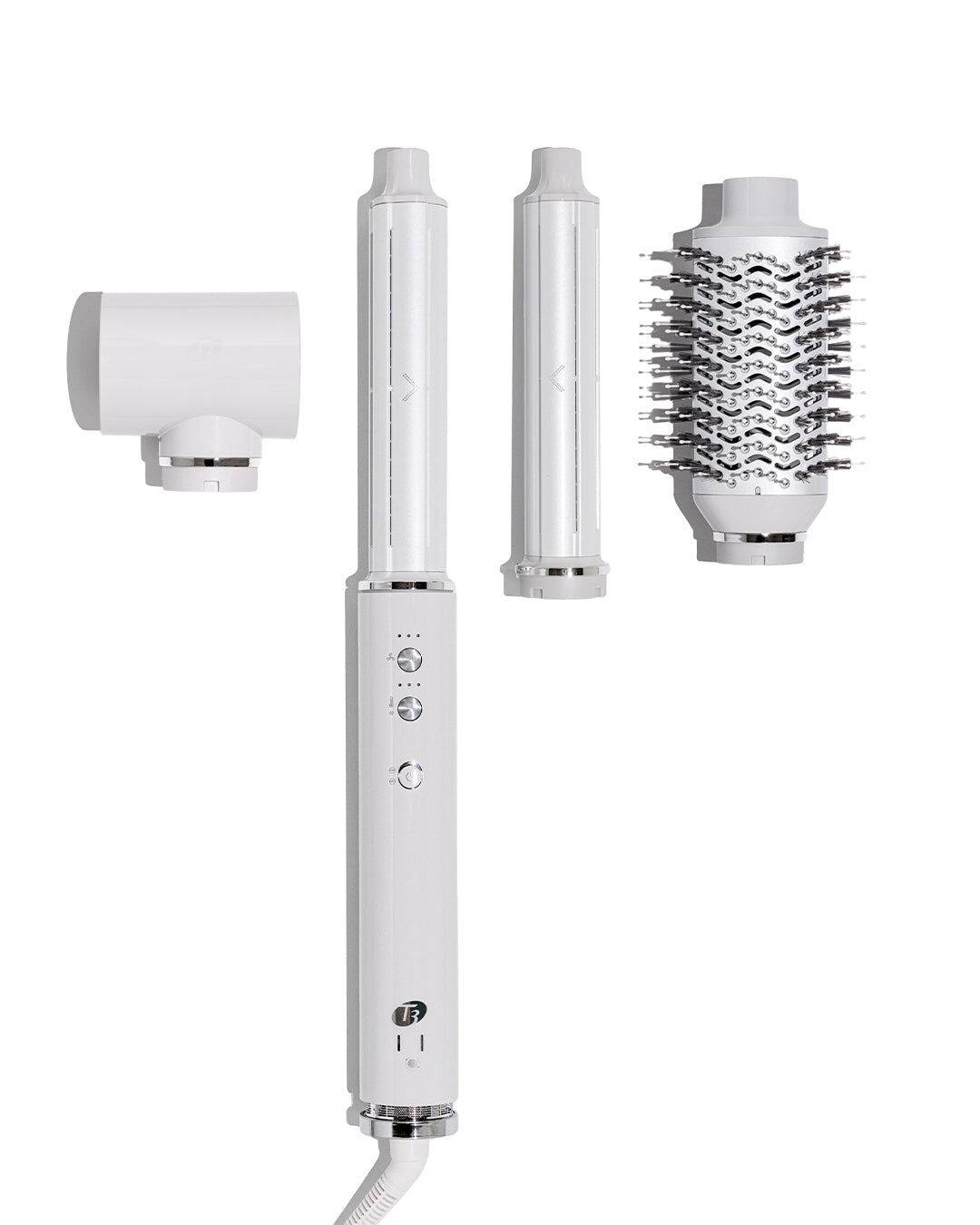
Aire 360 Air Styler Blowout Kit w/Dual Voltage & Ceramic Attachments

  • bvseo_sdk, dw_cartridge, 17.1.0, p_sdk_3.2.0
  • CLOUD, getAggregateRating, 20ms
  • reviews, product
  • bvseo-msg: Unsuccessful GET. status = '{0}', msg = {1};
#2473-602185-UL-10
Condition: New
Sold + Shipped by T3

Seller Information

Seller Info

Sold + Shipped by T3
3/5 Seller rating 7,289 sales
Condition: New

The viral Aire 360 with ceramic barrels for healthier, shinier, longer-lasting results—now upgraded with dual voltage and a travel-friendly design.

How to style with curling attachments: Rough dry until hair is slightly damp, then divide into sections. Connect your preferred attachment to curl in either direction. Hold the middle of a 1 – 2” section of hair, letting the ends hang. Bring the curling barrel about an inch behind the section. The tool will automatically grip the ends of the section and wind hair up across the barrel. Hold until section is dry, then activate the Cool Shot. Hold for 5 – 10 seconds, then power off the tool and release the curl. How to style with the oval brush: Rough dry until hair is slightly damp. Connect the Oval Brush attachment and divide hair into 3 – 4” sections. Sleek blowouts: Place brush at the roots and brush down through the ends. Voluminous blowouts: Place brush under hair at the roots and roll out towards the ends. Bends and waves: Place the brush under the ends of the section, rotate inward or outward, and hold for 2 – 3 seconds. Finish with the Cool Shot to lock in your look.

Online Exclusive purchases from third-party sellers made through SalonCentric must be returned directly to the third-party seller, and cannot be returned to SalonCentric stores. Customers can initiate an Online Exclusive purchase return in two ways on saloncentric.com:

  1. Help Center: Go to the 'Help Center' and initiate a new message. Select 'Issue with an Order' as the subject, choose the relevant order, and select 'Return' from the issue type dropdown. Provide a reason for the return and click 'Submit.'
  2. My Orders: Locate the order in 'My Orders,' and click 'Help with Order.' Follow the same steps as above to select the issue type, provide a reason, and submit the return request.

Click to see more details.

  • bvseo_sdk, dw_cartridge, 17.1.0, p_sdk_3.2.0
  • CLOUD, getReviews, 5ms
  • reviews, product
  • bvseo-msg: Unsuccessful GET. status = '{0}', msg = {1};