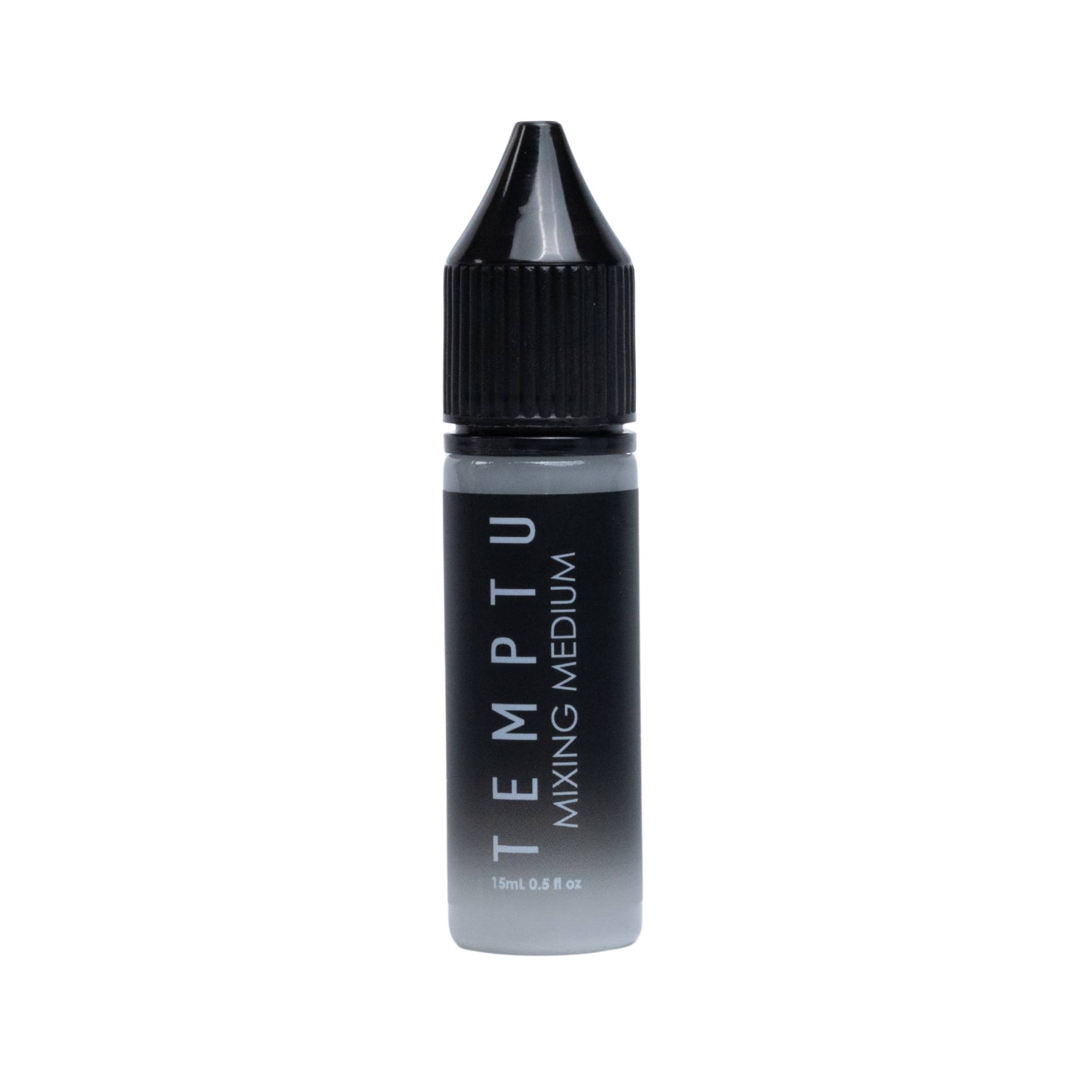
Mixing Medium is a long-wearing, multi-use liquid that helps professional artists customize makeup texture, intensity and application. Blend it with compatible pigmented powders and shadows to create liquid color for airbrush, fingertip or brush application, or use it with a fine-tipped brush for precise detail work.
Benefits
- Expands the versatility of compatible pigments
- Supports custom color mixing and creative effects
- Helps create precise corrections and fine detail
- Long-lasting for professional wear
- Oil-free, non-comedogenic and hypoallergenic
Features
- Multi-use liquid formula
- Apply by airbrush, fingertips or makeup brush
- Available in a 0.5 oz. precision bottle
Shake well before use. Use alone or blend with compatible pigmented powders and shadows to customize texture and intensity. Apply by airbrush, fingertips or makeup brush. For precision corrections and the appearance of fine lines, apply a small amount with a fine-tipped brush. Clean the airbrush after use.
Cyclopentasiloxane, Water/Aqua, Butylene Glycol, Trimethylsiloxysilicate, Lactobacillus Ferment, PEG/PPG-18/18 Dimethicone, Lactobacillus, Glyceryl Behenate, Sodium Chloride, Polysorbate 80, Silica, Polyethylene, Cocos Nucifera (Coconut) Fruit Extract.