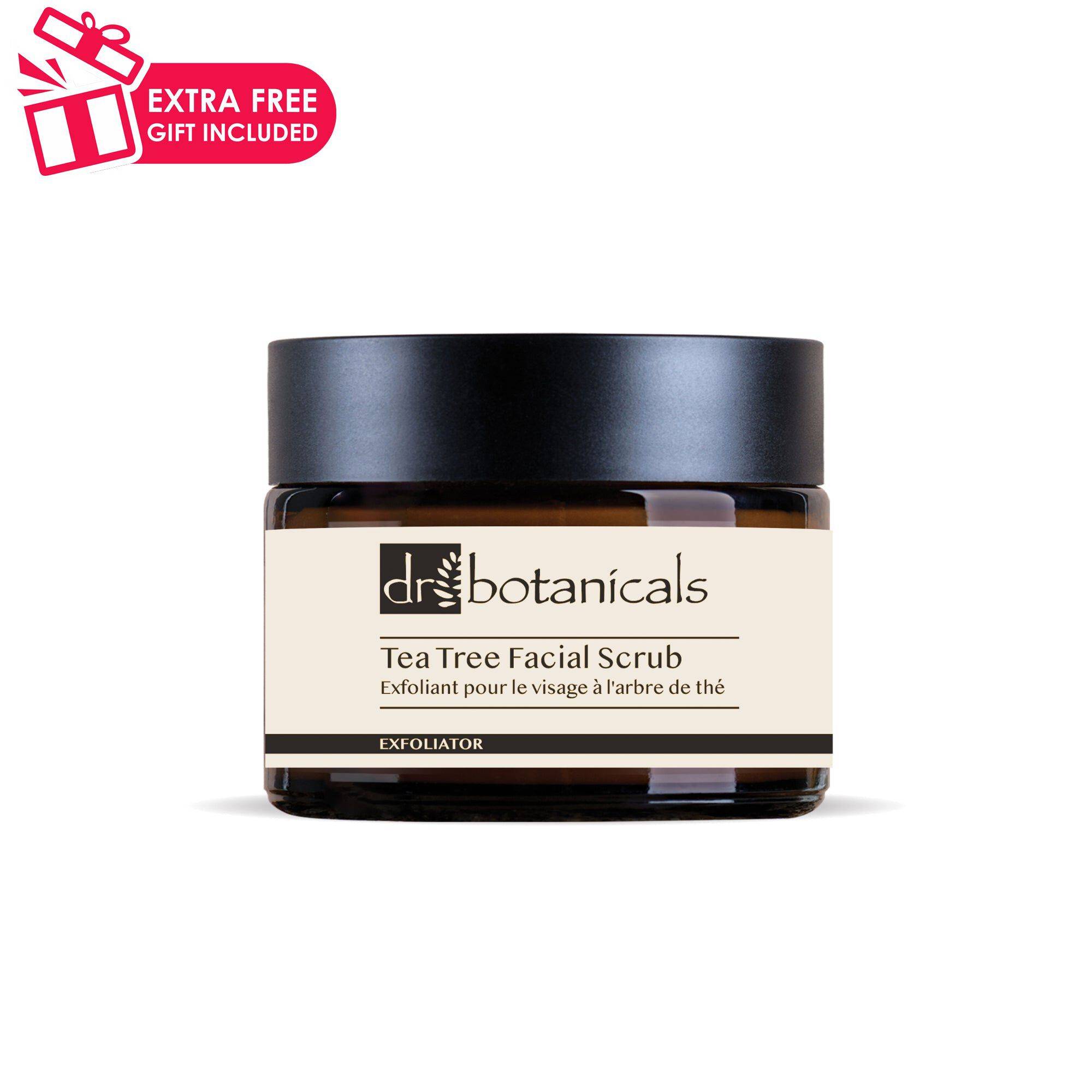
Dr Botanicals
Eucalyptus & Tea Tree Facial Scrub 50ml

  • bvseo_sdk, dw_cartridge, 17.1.0, p_sdk_3.2.0
  • CLOUD, getAggregateRating, 4ms
  • reviews, product
  • bvseo-msg: Unsuccessful GET. status = '{0}', msg = {1};
Select Size
Available options to select
Select Option
Available options to select
1.69 oz
Single
#2202-DB530
Condition: New
Sold + Shipped by F&J USA LLC - skinChemists - Dr Botanicals
Free Shipping with purchase of $30.00+
Subscription icon
Subscription: Make Running Your Business Easier by Managing Your Subscriptions!
Renews Every: 1 Month
  • Add to cart & check out
  • The subscription cycle will begin once your order is placed
  • You'll receive an email to configure your subscription

Seller Information

Seller Info

2.3/5 Seller rating 5,152 sales
Condition: New

Eucalyptus & Tea Tree Facial Scrub is a natural and organic formula that cleanses and exfoliates the skin, leaving it smooth and refreshed. Infused with Tea Tree and Eucalyptus oils, this scrub helps to purify the skin and promote a healthy complexion, perfect for those looking for a clean beauty product with calming properties.

For best results, use the Eucalyptus & Tea Tree Facial Scrub on clean, dry skin, gently massaging in circular motions. Rinse off with warm water and pat dry for a refreshed and purified complexion.

Aqua, Perlite, Glycerin, Glyceryl Stearate SE, Cetearyl Alcohol, Caprylic/Capric Triglyceride, Stearic Acid, Cocos Nucifera (Coconut) Oil, Ammonium Polyacryloyldimethyl Taurate, Phenoxyethanol, Benzyl Alcohol, Carbomer, Melaleuca Alternifolia (Tea Tree) Leaf Oil, Disodium EDTA, Ethylhexylglycerin, Eucalyptus Globulus Leaf Oil, Dehydroacetic Acid, Gardenia Tahitensis (Tiare Flower) Extract, Limonene, Linalool.

Online Exclusive purchases from third-party sellers made through SalonCentric must be returned directly to the third-party seller, and cannot be returned to SalonCentric stores. Customers can initiate an Online Exclusive purchase return in two ways on saloncentric.com:

  1. Help Center: Go to the 'Help Center' and initiate a new message. Select 'Issue with an Order' as the subject, choose the relevant order, and select 'Return' from the issue type dropdown. Provide a reason for the return and click 'Submit.'
  2. My Orders: Locate the order in 'My Orders,' and click 'Help with Order.' Follow the same steps as above to select the issue type, provide a reason, and submit the return request.

Click to see more details.

  • bvseo_sdk, dw_cartridge, 17.1.0, p_sdk_3.2.0
  • CLOUD, getReviews, 4ms
  • reviews, product
  • bvseo-msg: Unsuccessful GET. status = '{0}', msg = {1};