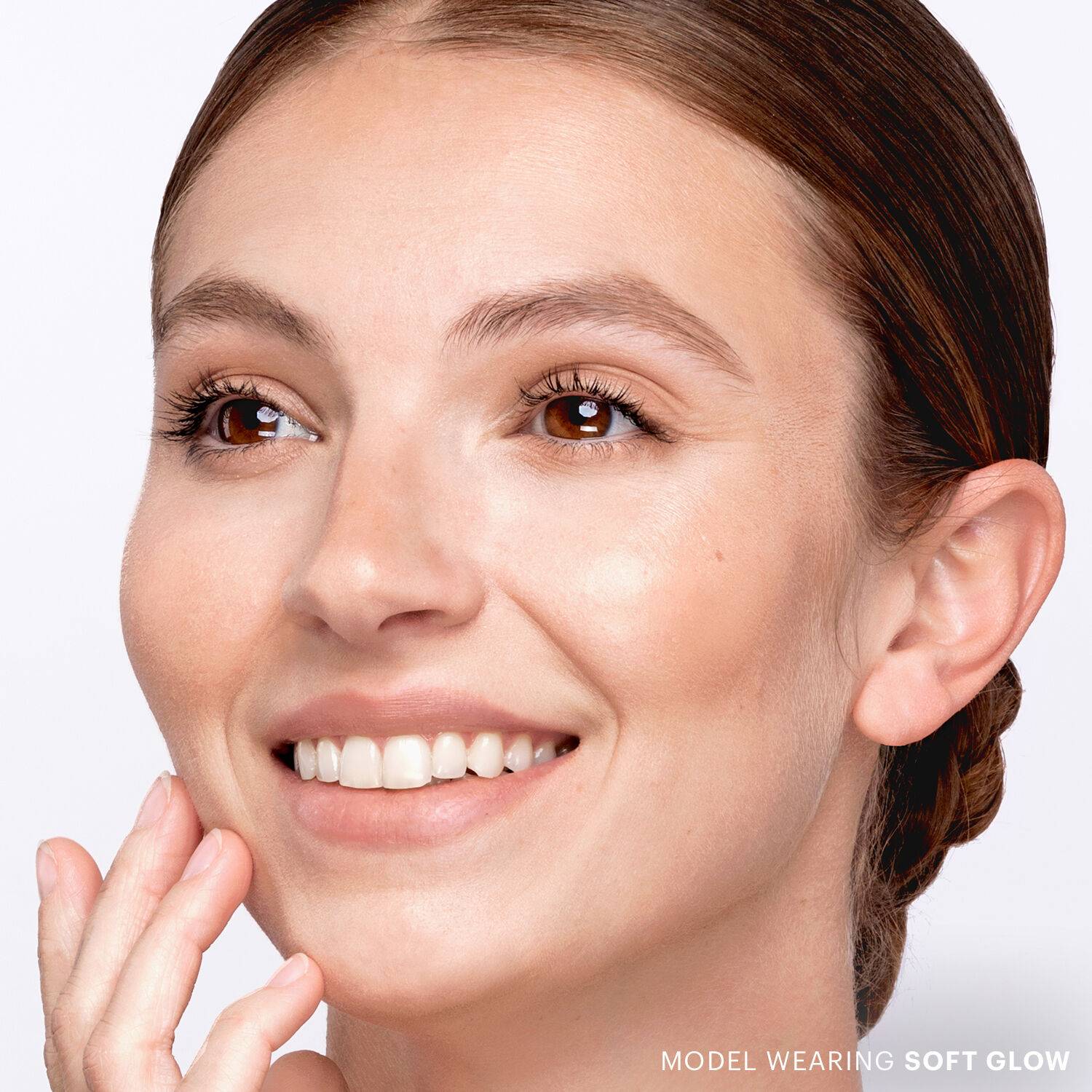
Cream Bronze Stick

  • bvseo_sdk, dw_cartridge, 17.1.0, p_sdk_3.2.0
  • CLOUD, getAggregateRating, 10ms
  • reviews, product
  • bvseo-msg: Unsuccessful GET. status = '{0}', msg = {1};
Select Size
Available options to select
Select Shade
List View Image View
  • Cream Bronze Stick
    #2110-370-1-406
    Condition: New
    Sold + Shipped by Glo Skin Beauty
    Free Shipping with purchase of $50.00+
  • Cream Bronze Stick
    #2110-370-1-407
    Condition: New
    Sold + Shipped by Glo Skin Beauty
    Free Shipping with purchase of $50.00+

Buildable, blendable multitasking cream bronze sticks add a wash of warmth and soft sculpting, infused with antioxidants and a nourishing botanical oil.

Apply your Cream Bronze Stick directly to skin for maximum color payoff or swatch onto your favorite Glo Skin Beauty face brush for a softer approach. Gently press and blend onto bronzing points and where natural warmth and sculpt is preferred; such as hollows of cheeks, across bridge of nose, and perimeter of face. Use soft and short sweeping motions with a brush or light stippling motions with the Makeup Blender Sponge until a seamless blend is achieved. Pro Tip: For extra staying power, apply Bronze in Sunkiss on top. Starting with a cream formula first anchors color onto skin, then topping with a powder formula helps it set.

Phenyl Trimethicone, Isocetyl Stearate, Polyethylene, PPG-3 Benzyl Ether Myristate, Lauroyl Lysine, Phenoxyethanol, Silica, Pentaerythrityl Tetra-di-t-butyl Hydroxyhydrocinnamate, Kaolin, Tocopherol, Carthamus Tinctorius (Safflower) Seed Oil, Camellia Sinensis Leaf Extract, Tocopheryl Acetate. May Contain/Peut Contenir (±): CI 77891 (Titanium Dioxide), CI 77491, CI 77492, CI 77499 (Iron Oxides)

Online Exclusive purchases from third-party sellers made through SalonCentric must be returned directly to the third-party seller, and cannot be returned to SalonCentric stores. Customers can initiate an Online Exclusive purchase return in two ways on saloncentric.com:

  1. Help Center: Go to the 'Help Center' and initiate a new message. Select 'Issue with an Order' as the subject, choose the relevant order, and select 'Return' from the issue type dropdown. Provide a reason for the return and click 'Submit.'
  2. My Orders: Locate the order in 'My Orders,' and click 'Help with Order.' Follow the same steps as above to select the issue type, provide a reason, and submit the return request.

Click to see more details.

  • bvseo_sdk, dw_cartridge, 17.1.0, p_sdk_3.2.0
  • CLOUD, getReviews, 5ms
  • reviews, product
  • bvseo-msg: Unsuccessful GET. status = '{0}', msg = {1};