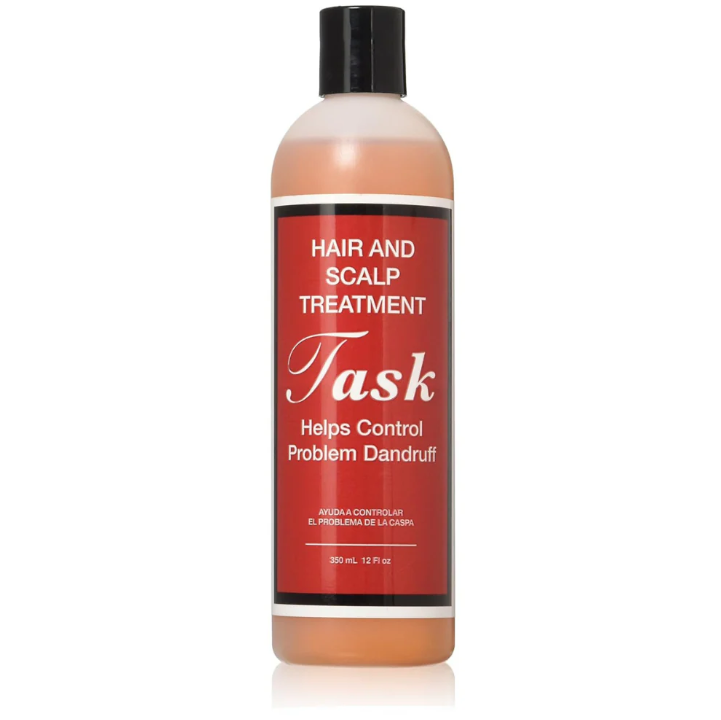
Transform your hair and scalp with Task Hair & Scalp Treatment, the all-in-one solution designed for complete care. This 12 oz. powerhouse is formulated to deliver on every front: vibrant color, refreshing scent, ideal consistency, and unwavering reliability.
Say goodbye to flakes and discomfort! Task effectively treats dandruff and relieves scalp itch, bringing you lasting comfort. Plus, our alcohol-free and non-greasy formula ensures your hair feels clean, light, and healthy—never weighed down. Discover the difference of truly comprehensive hair and scalp care with Task.
Task has it all in one formula: color, scent, consistency, & reliability.
• Dandruff treatment
• Treats scalp itch
• No alcohol
• Non-greasy
• 12 oz.
For best results, use Task Hair & Scalp Treatment once or twice a week.
Start with clean, damp hair. You can apply this treatment after
shampooing and conditioning your hair as usual.
Pour a small amount of the treatment into your palm.
Massage the product directly onto your scalp, working it through the
roots of your hair with your fingertips.
Leave the treatment on for 5 to 10 minutes to allow the ingredients to
penetrate your scalp and hair.
Rinse thoroughly with warm water. Style your hair as you normally would.
Water (Aqua), Saliicylic Acid, Allantoin, Sodium bicarbonate, Ethyl Hexanediol, Fragrance (Parfum), Color.